Turn Video Into Your Most Powerful Productivity Tool
Your videos are full of valuable insights, but you can't remember them all
Don't just watch passively—engage with your content
Focus on what matters, let our AI handle the busy work.
 Chrome Extension (Rated 4.65)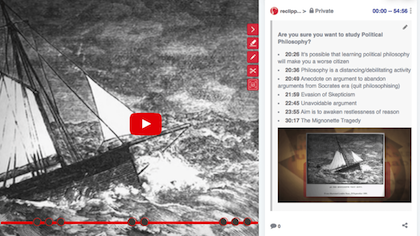
Powered by AI. Driven by You.
Our tool puts you in control while AI does the heavy lifting. It simplifies your workflow behind the scenes, so you can focus on what matters most — with every decision still yours to make.
Capture and Organize
Get instant summaries before you watch, then add notes, screenshots, and highlights to build your own knowledge base.
Focus on What Matters
No more scrubbing through a 45-minute video for a five-minute topic of interest. Our AI surfaces the key topics and even creates a custom cutdown with only the subjects you care about.
Create Your Knowledge Base
The Tool organizes your notes, snapshots, and summaries, syncing seamlessly with Notion, Evernote, or Obsidian for a searchable, always-accessible video knowledge library.
























Flexible Pricing for Every Need
Choose the plan that's right for you. Start with our free tier, upgrade for more features, and add AI Credits as you go.
Switch to annual billing to save up to 17%
- Unlimited Snippets
- Unlimited Summary Notes
- Unlimited Highlights
- Unlimited Tags
- Save YT Transcripts
- Use maximum 2 Boards
- Max 10 members a Board
- Use 2 colored Markers
- No access to AI features
- 15 days FREE TRIAL
- Everything in Free Plan
- Unlimited Boards
- Create Slideshows
- 5 colored Markers
- Annotate Local Videos
- Audio Notes
- Dictate Notes in 16 languages
- Export/Sync to External Apps
- Take Snapshots (Extension)
- 50 Free AI Credits
- Intelligent Mode (AI)
- Summarizer (AI)
- Segments by Topic (AI)
- Q&A (AI)
- 15 days FREE TRIAL
- No Expiration
- Available on Basic Plan
- Intelligent Mode (AI)
- Summarizer (AI)
- Segments by Topic (AI)
- Q&A (AI)
* Students, Teachers and Non-profits with email address ending with .edu, .ac.* and .org are automatically provided Basic Plan benefits on Sign Up. If you are a Student or Teacher who is not automatically enrolled to Basic Plan, please fill the form here for us to verify and apply the benefit to your account
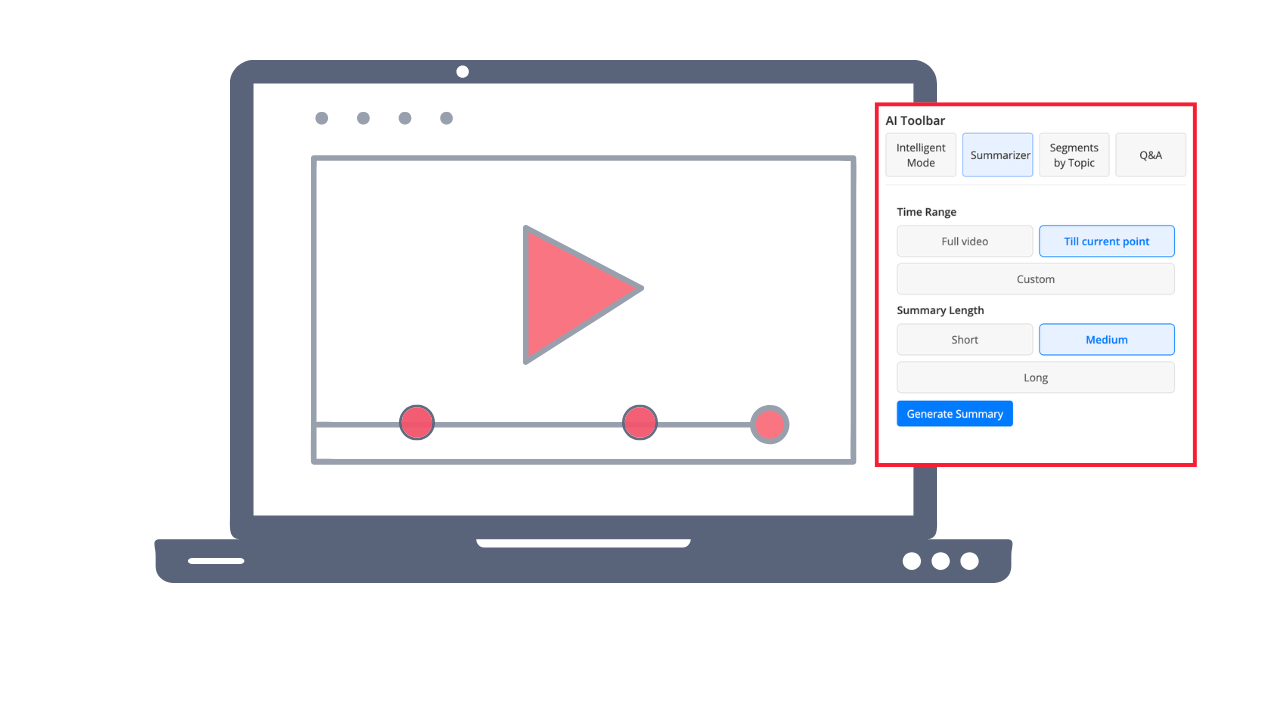
Supercharge your learning with AI
ReClipped's AI Toolbar lets you instantly summarize videos, extract topic-based segments, generate Q&A quizzes, and capture intelligent highlights — all powered by AI, right inside the video player.
Learn from online videos
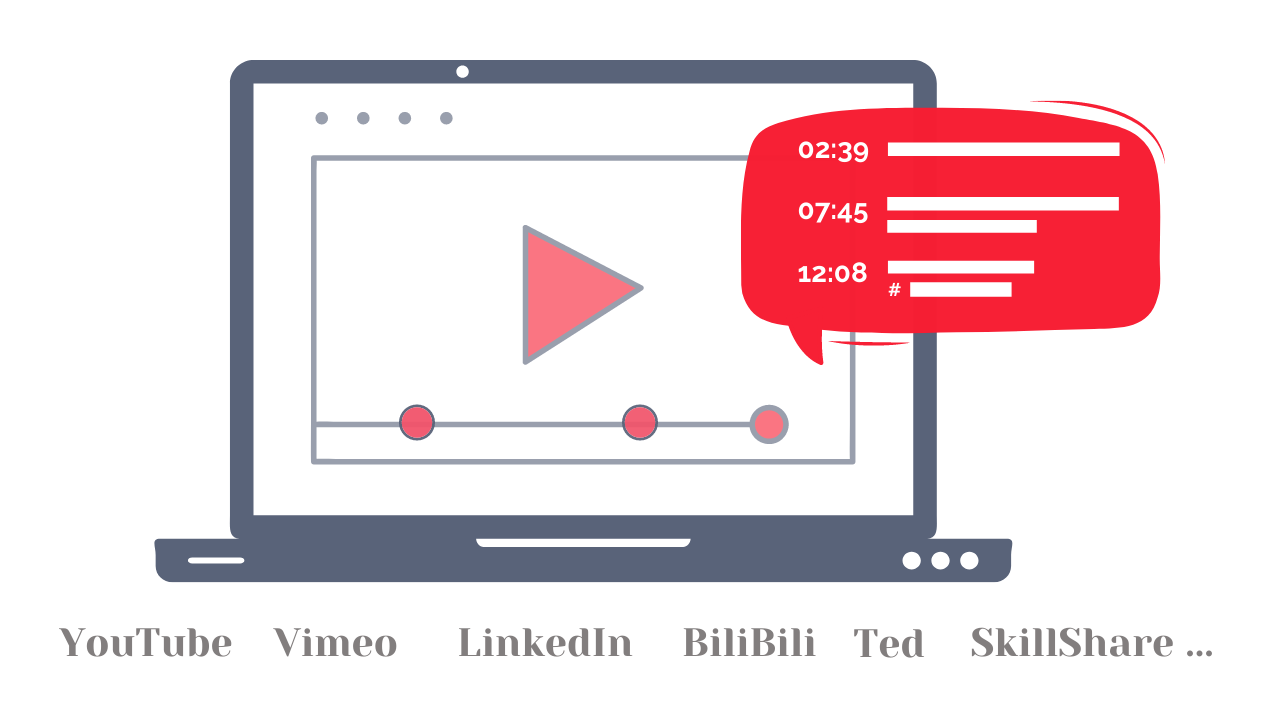
Save timestamped notes, snapshots and transcripts of videos from large number of online platforms to elevate your productivity and enhance your knowledge retention
Analyse and review videos with your Team
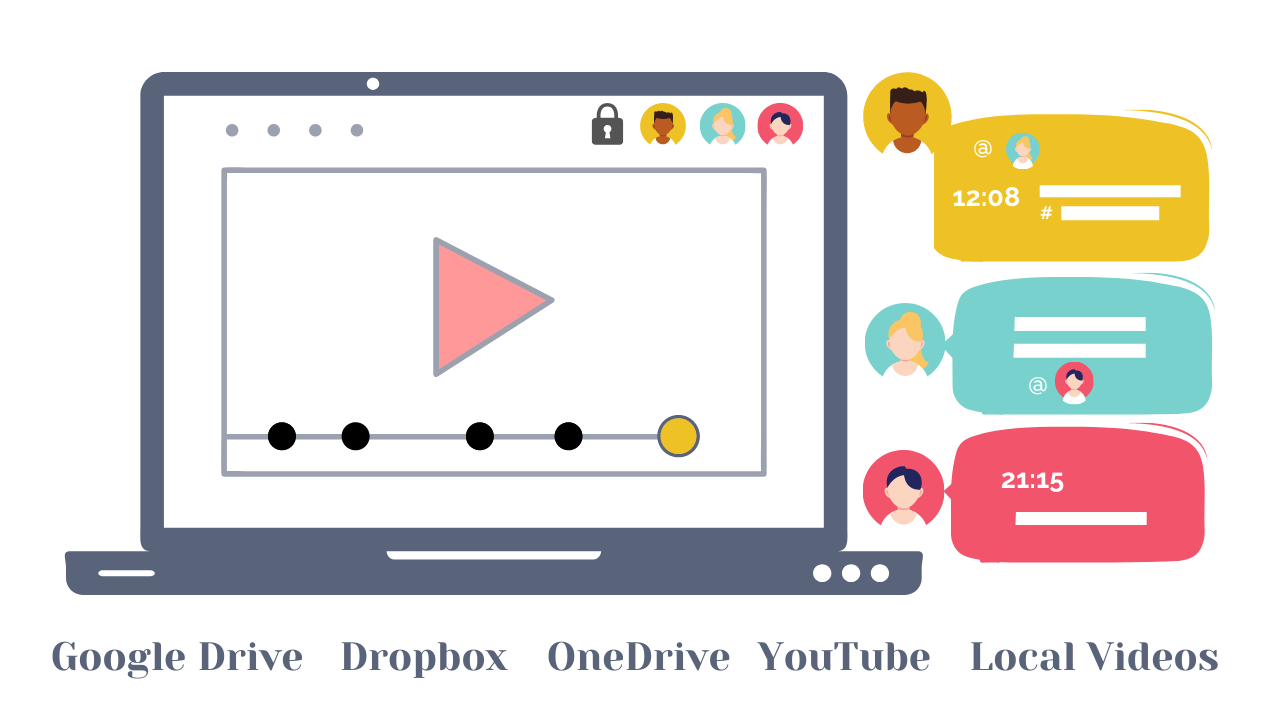
Analyse own videos for skill improvement, or provide specific and actionable feedback, or share important moments with the team members
Keep the conversations on videos private, contextual and referenceable
Tag, search, color code and organise
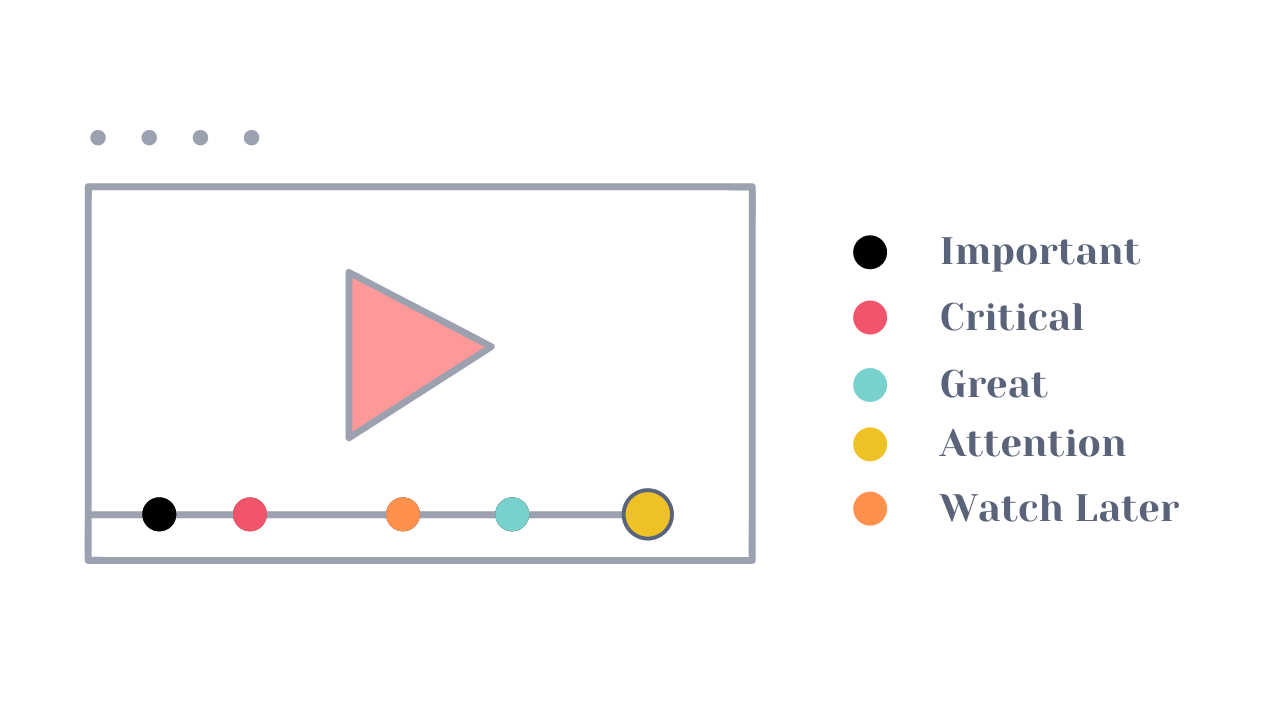
ReClipped gives you the power to organize and connect the knowledge in your own ways. Search not just videos but specific snippets in them, use colored markers to visually code the importance and collect similar ideas in one Board
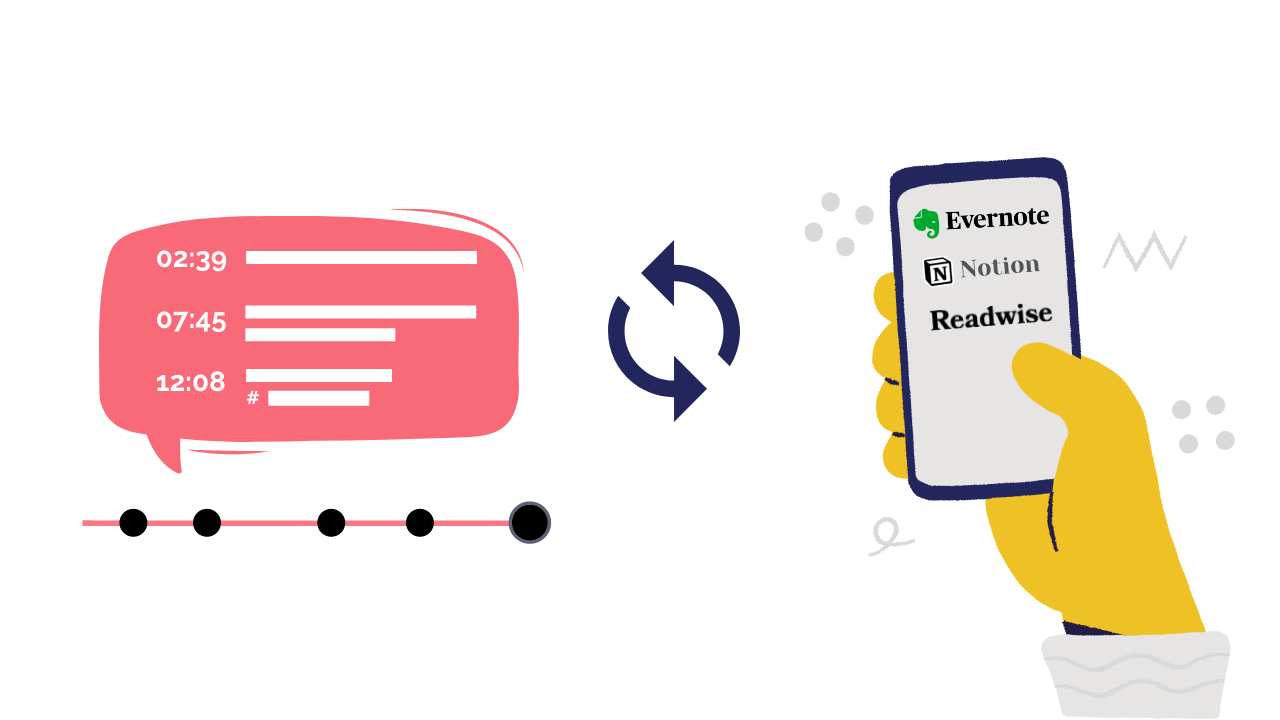
Sync to your favourite productivity apps
Connect ReClipped with your favourite note-taking and productivity apps such as Evernote, Notion, Readwise. So that your video notes automatically sync into the productivity system of your choice.
Supported Platforms
- YouTube
- Twitch
- Vimeo
- Ted
- Udemy
- Coursera
- LinkedIn Learning
- PrimeVideo
- Hotstar
- BiliBili
- Curiosity Stream
- SkillShare
- Brightstorm
- Google Drive
- Dropbox
- OneDrive
- Local Videos
what our users say
Case Study
Key takeaways
- Students were taught how to use a video annotation website called ReClipped in order to annotate their video
- Almost all of the class found Reclipped useful and were pleased to have learned how to use it
- ReClipped made the annotation assignments interesting, and that interest increases student learning